
Focus vs Nudge: which Mac focus app fits your work?
Updated 2026-10-29 · 7 min read
Compare Focus and Nudge for Mac: app and website blocking, session controls, profiles, pricing, and which workflow each suits.
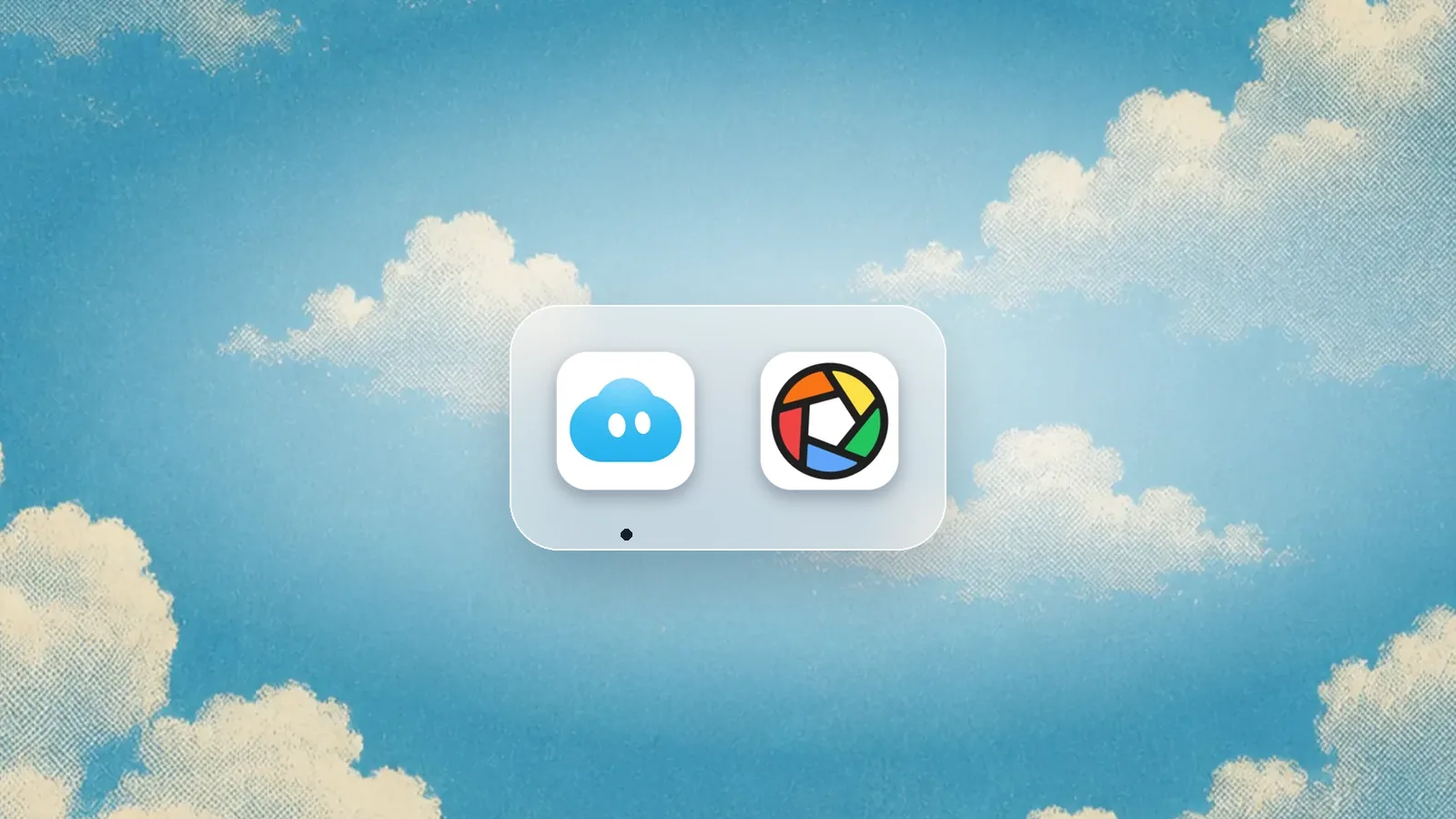
Quick answer
Focus and Nudge both block selected apps and websites on a Mac. Choose Nudge for reusable presets and a straightforward session started from the menu bar. Consider Focus, the app from heyfocus.com, if you want features such as locked sessions, password-protected profiles, scripting, and configurable work and break timers.
What is each app best for?
Mac focus sessions
Nudge
Choose apps and sites to block, save a preset, and start from the menu bar.Alternative
Focus
More control over locked sessions, profiles, timers and scripting.How do Nudge and Focus compare?
| Feature | Nudge | Focus |
|---|---|---|
| Best fit | Reusable Mac focus sessions with selected apps and websites blocked. | Mac blocking with additional controls for profiles, locking, timers and scripting. |
| Platform | macOS 13 or later on Apple silicon (M1 or later). | Mac app; check Focus documentation for current requirements. |
| Apps and websites | Blocks the apps and websites you choose during a session. | Focus 2 lists both website and app blocking. |
| Session setup | Save presets and start from the menu bar. | Profiles, schedules and timers; Focus also runs in the menu bar. |
| Locking | A session blocks the selected distractions. | Focus 2 lists locked sessions and password-locked profiles. |
| Price | Lifetime Access: $9.99 once; seven-day trial per Mac, no card. | Focus 2: $49 once; $129 option includes lifetime updates. Focus 1 is $29. |
What do both apps do?
Both products are Mac apps that can block selected websites and applications. This matters when a distraction is available as both a desktop app and a browser tab. Keep the apps and pages needed for the task available, and check the actual browsers you use before relying on a block.
Nudge supports website blocking in Safari and Chrome. Focus documentation describes permissions for browsers and notes that some require an extension. Browser support and setup can change; verify the current vendor instructions and test your own configuration.
How do presets and sessions differ?
Nudge lets you save the distractions you choose in a preset and start a session from the menu bar. A writing preset might block social sites and chat while leaving the draft and research open. A coding preset can use a different list. The point is to reuse the setup without rebuilding it each time.
Focus also has profiles and menu-bar access. Its checkout lists schedules, timers, breaks, Pomodoros, locked sessions, password-locked profiles and scripting. If you want to configure those controls, Focus offers a broader set of options. If you mainly want to pick distractions and begin, Nudge is a simpler place to start.
How much do Focus and Nudge cost?
Nudge Lifetime Access is $9.99 once. Each Mac gets a seven-day free trial without a card. Focus lists Focus 2 for $49 once and a $129 one-time option with lifetime updates. Its checkout also lists the older Focus 1 for $29. These are different products and update terms; do not treat the $29 price as the Focus 2 price.
Check the current checkout before buying, including which updates are included. A one-time purchase and lifetime updates are not necessarily the same thing. Both vendors offer ways to try their products, so test your own workflow and browser coverage before deciding.
Which should you choose?
Choose Nudge if you want a Mac app centered on selected app and website blocking, reusable presets, and menu-bar sessions for a $9.99 one-time price. It is a good fit when the everyday task is to protect a work block without setting up a more elaborate system.
Choose Focus if locked sessions, password-protected profiles, scripting, or integrated work and break timers are important to you. Its additional controls can be worth exploring even when both products cover the basic blocklist. If you need automatic time reports and project tracking, compare Nudge with Rize as well.
Frequently asked questions
Is Focus the same as macOS Focus mode?
No. Focus from heyfocus.com is a separate Mac app for blocking distractions. macOS Focus is an Apple feature for filtering notifications and changing supported app behavior.
Can both apps block websites and apps?
Yes. Nudge blocks selected apps and websites during a session. Focus 2 lists website and app blocking. Test the browsers and applications you use.
Does Focus have a menu bar?
Yes. Focus documentation describes starting sessions from its menu-bar icon. Nudge also offers menu-bar session controls.
Is Focus 2 $29?
The vendor lists Focus 1 at $29 and Focus 2 at $49. The $129 option includes lifetime updates. Check the current checkout for terms.
Does Nudge work on a phone?
Nudge is a Mac app. Its session does not block apps or websites on your phone.
Sources
Vendor information checked October 29, 2026. Features and prices can change.
Make room for the work you chose
Save a preset for the apps and websites that distract you and start from the menu bar. Seven days free per Mac, no card, then $9.99 once for Lifetime Access.
Download for macOS