How to use Safari profiles for work on Mac
Create a Safari work profile, organize project tabs and logins, and understand what profiles do and do not separate.
Quick answer
Safari profiles separate work and personal browsing history, cookies, website data, extensions, and Tab Groups. Create a Work profile in Safari settings, sign in to work services, and organize project tabs there. Profiles do not block distracting sites. For selected blocking, Nudge offers seven days free per Mac, no card, then $9.99 once.
How do these apps compare?
Separate work and personal browsing in Safari without mistaking profiles for website blocking or security isolation.
Which tool should you pick?
Separate browsing
Safari profiles
Keep work history, cookies, and Tab Groups apart.
Organize a project
Safari Tab Groups
Keep related tabs together within the work profile.
Filter interruptions
macOS Focus
Choose which notifications reach you.

Restrict distractions
Nudge
Block selected apps and websites during a session.
The apps in detail
- $9.99 once
1. Session
Nudge
Best for: Blocking selected sites and apps during a session
- Choose it if
- You want a reusable preset and a menu-bar start.
- Skip it if
- You need the same restriction on a phone.
 Free, built into macOS
2. Built-in controls
Apple Screen Time
Best for: Setting a daily allowance or a schedule
- Choose it if
- You want controls included with macOS.
- Skip it if
- You need identical behavior across every browser.
3. Workspace
Safari
Best for: Organizing work browsing
- Choose it if
- You want work tabs and logins separate from personal browsing.
- Skip it if
- You need a website blocker.
What does a Safari work profile separate?
Safari profiles, available in Safari 17 and later, keep browsing history, cookies, website data, extensions, Tab Groups, and favorites separate between profiles. A Work profile can therefore hold a work login and project tabs while your Personal profile retains a different browsing context. The colored profile name and icon help you see which window you are using.
The separation has limits. Apple says passwords and AutoFill information, as well as some security, website, and privacy settings, are shared across profiles. Bookmarks remain available through the bookmarks menu or sidebar, although favorites folders can be chosen for profiles. A profile is a workspace organization feature, not a separate macOS account or a security boundary.
| Item | How profiles handle it | Practical effect |
|---|---|---|
| History and cookies | Separate | Work and personal browsing keep distinct website data |
| Tab Groups | Separate | Keep project references in the relevant profile |
| Passwords and AutoFill | Shared | Do not treat profiles as private accounts |
| Website access | Not blocked by profile | Use another control if you need a restriction |
How do you create a Work profile?
In Safari, choose Safari > Settings > Profiles. If this is your first profile, select Start Using Profiles; otherwise use the add button under the profiles list. Enter a name such as Work, choose a recognizable icon and color, and choose a bookmarks folder for that profile’s favorites. Select Create Profile.
Apple says that when you create your first profile, existing history, cookies, website data, extensions, Tab Groups, and favorites become part of the default Personal profile. The Work profile is added alongside it. Choose Extensions in the profile settings to select the extensions you want for work, keeping in mind that the profile is not a separate user account.
Open Safari > Settings > Profiles and start using profiles.
Name the new profile Work and choose an icon, color, and favorites folder.
Create the profile and select its extensions.
Open a Work window and sign in to the services you need.
Create a Tab Group for each active project.
How do you open a work window and sign in?
Choose File > New Window > New Work Window, using your profile’s actual name. Check the profile indicator in the toolbar before opening a service. Sign in to the work account for each service you need. Because cookies and website data are separate, the work profile can maintain a different sign-in state from the personal profile.
Test with a service where you have two accounts: open it in the Work window and verify the account shown by the service itself. Then open a Personal window and check its account. Some services have their own account-switching or sign-in behavior, so confirm the actual account before sending or editing anything. Shared password information means a profile should not be used to hide credentials from another user of the same Mac account.
How do you organize project tabs?
In the Work window, click the arrow next to the Sidebar button and choose New Empty Tab Group. Give the group a project name. Control-click a tab and choose Move to Tab Group, or drag it to the group in the sidebar. You can also create a group from the tabs currently open in a window.
For a client proposal, a group might contain the brief, the draft, and two research references. Close unrelated tabs and return to the group when you resume the work. A group keeps related pages together; it does not keep you from opening a different website. The deep work setup covers a broader way to prepare apps and references.
Can a Focus open the work profile?
Apple supports connecting a Safari profile to a Focus filter. In System Settings > Focus, select the Focus you use for work, add a Safari filter, choose Profile as the filter type, and select your Work profile. Test how it behaves on your macOS version before relying on it for a daily routine.
A Focus can also filter notifications, allowing important people and apps while silencing others. This is useful when the problem is interruptions; it does not make Safari profiles into a blocker. You can still use a manually opened Work window if a Focus filter is unnecessary. See the Mac Focus guide for notification and schedule controls.
What should you do about distracting websites?
A separate profile makes it easier to find work tabs, but it does not stop you visiting social sites or switching profiles. If the main issue is repeatedly opening a distracting site, choose a control designed for that behavior. Screen Time can set app and website allowances; a selected-site session can protect a particular piece of work.
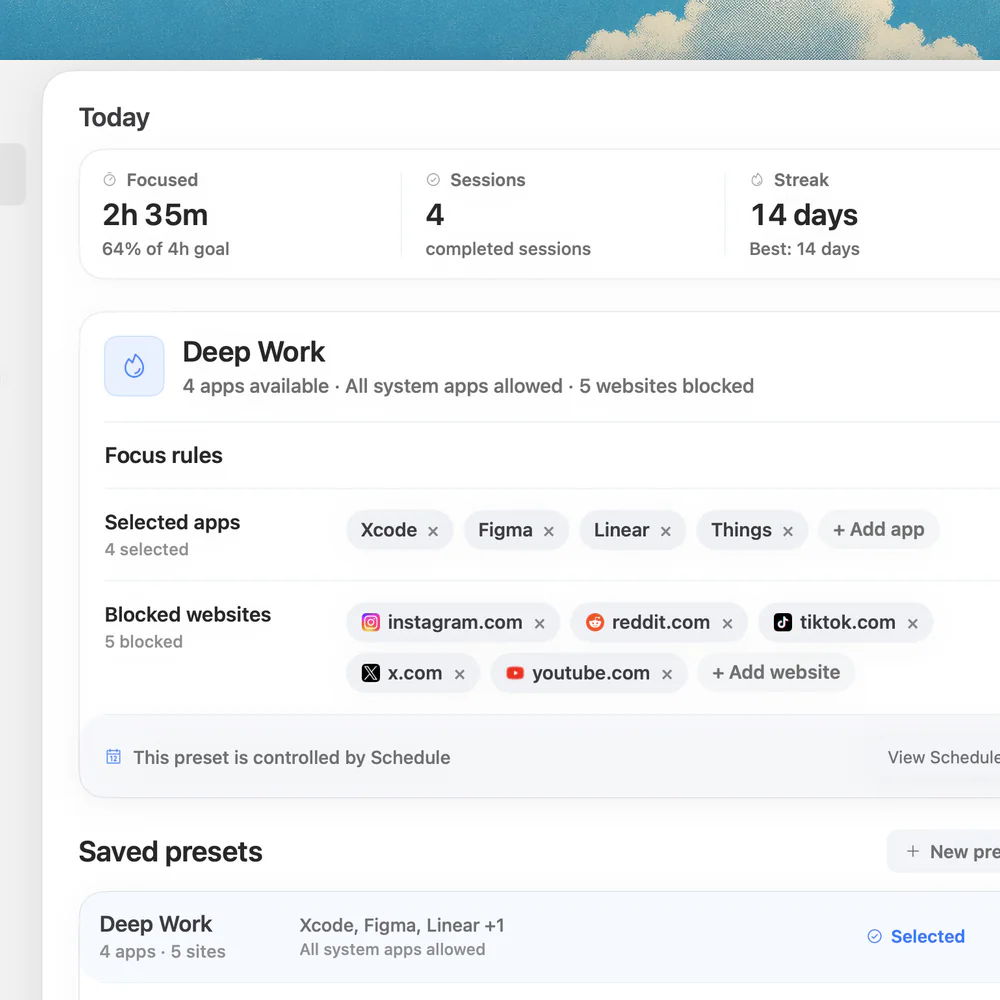
Nudge lets you choose apps and websites, save a preset, and start it from the Mac menu bar. It supports selected site blocking in Safari and Chrome while leaving other work pages available. Nudge requires macOS 13 or later on Apple silicon. Try it free for seven days per Mac with no card; Lifetime Access is $9.99 once. See website blocking and presets.
How do you maintain or remove a profile?
Return to Safari > Settings > Profiles to change the profile’s name, symbol, color, favorites folder, new-window behavior, or selected extensions. If a work login is wrong, verify the profile indicator and the account shown on the website before changing settings. If a needed extension is missing, inspect its selection for that profile.
Be careful when deleting a profile: Apple says this erases the associated tabs, history, and website data and closes its open websites. Favorites folders are preserved unless empty. Save or move anything you need first, and verify the profile you selected. If multiple people need privacy from one another on a Mac, use separate macOS user accounts rather than relying on browser profiles.
FAQ
Does Safari have a work profile?
Yes. Safari 17 and later supports profiles; create one named Work in Safari settings and open a window for it.
Are Safari profiles separate accounts?
No. They separate some browsing data but share other information and settings. They are not a substitute for separate macOS user accounts.
Can I sign in to different accounts in different profiles?
Separate cookies and website data can support different sign-in states. Check the account displayed by each service before acting.
Do profiles block distracting websites?
No. A profile organizes browsing; use Screen Time or a selected-site blocker if you need a restriction.
Are passwords private to each Safari profile?
No. Apple says password and AutoFill information is shared between profiles. Do not use profiles to hide credentials from another user of the same Mac account.
Nudge for Mac
Turn the guide into a focus session
Pick the apps and websites that pull you away and start the session from the menu bar. They stay blocked until it ends. $9.99 once after 7 days free, no card to start.
Download for macOS