Best study apps for Mac: focus, notes, flashcards and citations (2026)
The best study apps for Mac by job: a focus blocker, a timer, notes, flashcards, citations and planning. Prices and platforms checked on each vendor's site.
Quick answer
The best study apps for a Mac are a small set that each do one job: Nudge to block distracting apps and websites while you study, the free Pomodoro timer to pace sessions, Apple Notes or Obsidian for notes, Anki for flashcards, Zotero for citations and Todoist or Apple Reminders for planning. Start with the focus layer, because a note app and a flashcard deck do not help if YouTube is one click away. Everything except Nudge has a free option, and Nudge costs $9.99 once after a 7-day free trial.
How do these apps compare?
Pick a small set of study apps for a Mac, one per job: staying focused, timing study blocks, taking notes, learning with flashcards, managing sources and planning the week.
| App | Best for | Price | Website |
|---|---|---|---|
 NudgeTop pick NudgeTop pick | Blocking YouTube, Reddit, social feeds and games while you study | $9.99 once | Get Nudge |
 Apple Notes Apple Notes | Quick, low-friction notes | Free, built into macOS | Visit |
 Notion Notion | Notes, databases and course dashboards | See pricing | Visit |
 Obsidian Obsidian | Linked notes stored as files | See pricing | Visit |
| Anki | Spaced-repetition flashcards | ||
 Zotero Zotero | Collecting sources and building bibliographies | Free, storage from $20/yr | Visit |
 Todoist Todoist | A task list for assignments and deadlines | See pricing | Visit |
Which tool should you pick?
Stay off distracting sites and apps
Nudge
Blocks the apps and websites you pick while a study session runs. $9.99 once, 7-day free trial.
Pace study sessions
Free Pomodoro timer
Presets for Pomodoro 25/5, Deep work 50/10 and Long focus 90/20, plus Custom. No sign-up.
Simple notes, no setup
Apple Notes
Built into macOS and free. Folders, tags, and PDFs and files dropped into a note.
Linked notes you keep as files
Obsidian
Free for personal use, with notes stored as Markdown files on your Mac.
Flashcards
Anki
The desktop app is free and runs on macOS 13 and later.
Citations and sources
Zotero
Free and open source, with a Safari connector bundled.
The apps in detail
- $9.99 once
1. App and website blocking
Nudge
Best for: Blocking YouTube, Reddit, social feeds and games while you study
- Choose it if
- You study on a Mac and want the apps and websites you pick blocked during a session, with notes, PDFs and research left open. $9.99 once for Lifetime Access.
- Skip it if
- Your main distraction is your phone: Nudge is a Mac app, so look at Freedom, Opal or Session.
- Free, built into macOS
2. Notes
Apple Notes
Best for: Quick, low-friction notes
- Choose it if
- You want notes that sync through iCloud across your Apple devices with no setup and no cost.
- Skip it if
- You want notes linked together or kept as plain files.
3. Notes and planning
Notion
Best for: Notes, databases and course dashboards
- Choose it if
- You want one workspace for notes and trackers. The Plus plan, $10 a member a month billed yearly for others, is free for students and educators with a school email.
- Skip it if
- You want a fast, offline-first note app with no account.
4. Notes
Obsidian
Best for: Linked notes stored as files
- Choose it if
- You want free personal use with no sign-up and notes you own as files. Sync is $4 a month billed annually, with 40% off for students.
- Skip it if
- You want tables and databases built in.
5. Flashcards
Anki
Best for: Spaced-repetition flashcards
- Choose it if
- You want a free desktop flashcard app on your Mac. AnkiMobile for iPhone and iPad is a paid app at $24.99 on the App Store.
- Skip it if
- You want a polished, no-setup deck builder.
- Free, storage from $20/yr
6. Citations
Zotero
Best for: Collecting sources and building bibliographies
- Choose it if
- You write papers with sources. It is free, with 300 MB of free sync storage and paid plans from $20 a year.
- Skip it if
- You never cite sources.
7. Planning
Todoist
Best for: A task list for assignments and deadlines
- Choose it if
- You want a task list with due dates across Mac and phone. The Beginner plan is free.
- Skip it if
- Apple Reminders already covers what you need.
What are the best study apps for a Mac?
A good study setup is a short list, one app per job. The jobs are: stay focused, time your sessions, take notes, learn by recall, manage sources and plan the week. Here is the whole set in one table.
Prices and platforms below were checked on each vendor's site on 10 October 2026. Pricing changes, so check the vendor before you buy.
| Job | App | Cost | Mac? |
|---|---|---|---|
| Focus and blocking | Nudge | $9.99 once, 7-day free trial | Mac only |
| Study timer | Free Pomodoro timer | Free | Any browser |
| Notes | Apple Notes | Free, built in | Yes |
| Notes | Obsidian | Free for personal use | Yes |
| Notes and planning | Notion | Free plan, Plus free for students | Yes, desktop app |
| Flashcards | Anki | Free on desktop | Yes, macOS 13 and later |
| Citations | Zotero | Free, 300 MB storage | Yes |
| Planning | Todoist | Free Beginner plan | Yes |
Which app should you start with?
Start with the focus layer. Notes, flashcards and citations are only useful during the time you actually study, and on a Mac that time leaks into a few apps and sites. A blocker is the one app that fixes the leak rather than organizing what is left.
Then add one note app, not three. Move to Anki or Zotero when you have a clear need: exams that reward recall, or a paper with sources.
What is the best app to stay focused while studying on a Mac?
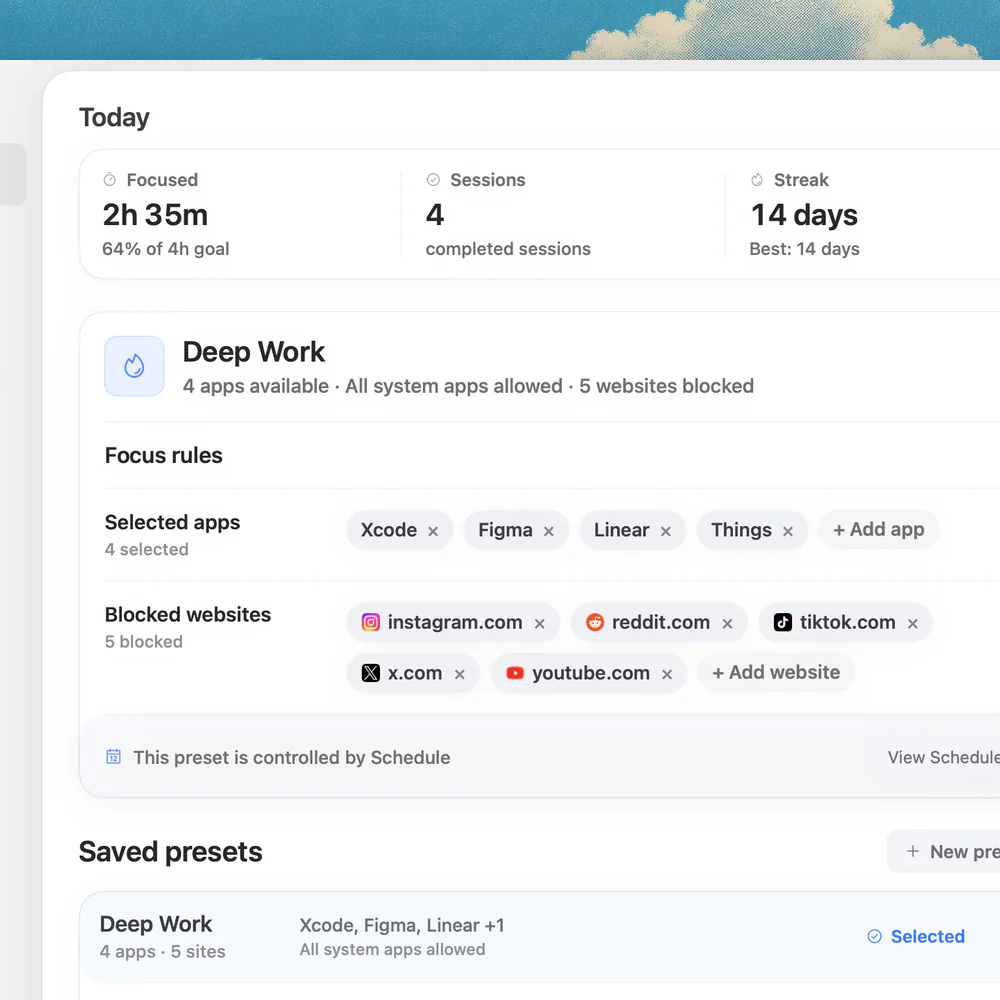
Nudge blocks the apps and websites you pick while a study session runs, and everything is reachable again when it ends. Websites are blocked in Safari and Chrome. The point for students is that you do not block the whole browser: your notes, PDFs, learning platform and research stay open, and YouTube, Reddit, social feeds and games do not.
Create a preset such as Study Block with your distractions, and start it from the menu bar before you open the assignment. Nudge costs $9.99 once for Lifetime Access, and every Mac gets a 7-day free trial that needs no email, password or card. The Nudge for students page has example presets for studying, essays and exam review.
If you would rather use what is built in, Apple's Screen Time can limit apps and websites, but it works on daily time budgets and clock schedules, not on study sessions. The macOS 26 and earlier settings are App Limits and Downtime. On macOS 27 they are Schedule and Time Allowances, which work by app category. For more on blocking, see how to block apps on a Mac and how to block websites on a Mac.
What is the best study timer for a Mac?
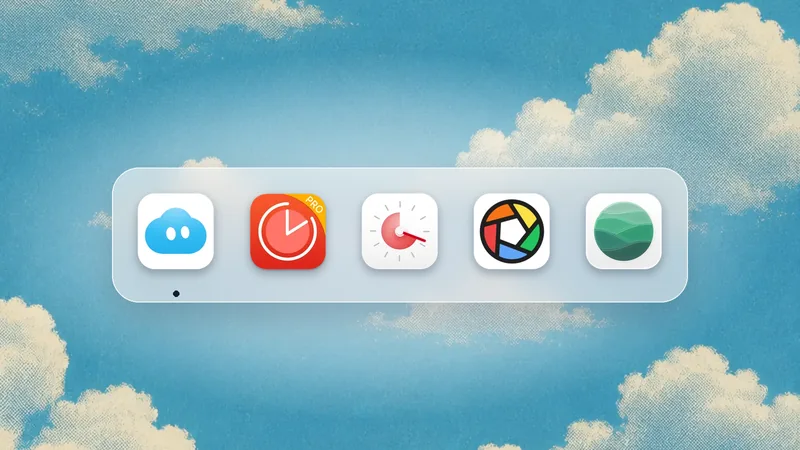
A timer turns a vague evening of studying into blocks with a start and an end. The free timer at nudgefocus.app/pomodoro-timer runs in any browser with no sign-up. Its presets are Pomodoro 25/5, Deep work 50/10 and Long focus 90/20, and Custom takes any focus length from 1 to 180 minutes and any break from 1 to 60.
Pair it with Nudge so the blocking starts when the timer does. If you are choosing between timers, the best Pomodoro apps for Mac compares several. If 25 minutes feels too short for reading and problem sets, the 52/17 rule and the Flowtime technique are two alternatives.
What are the best note-taking apps for students on a Mac?
Pick one. The three below all work on a Mac, and the best one is the one you will open every day.
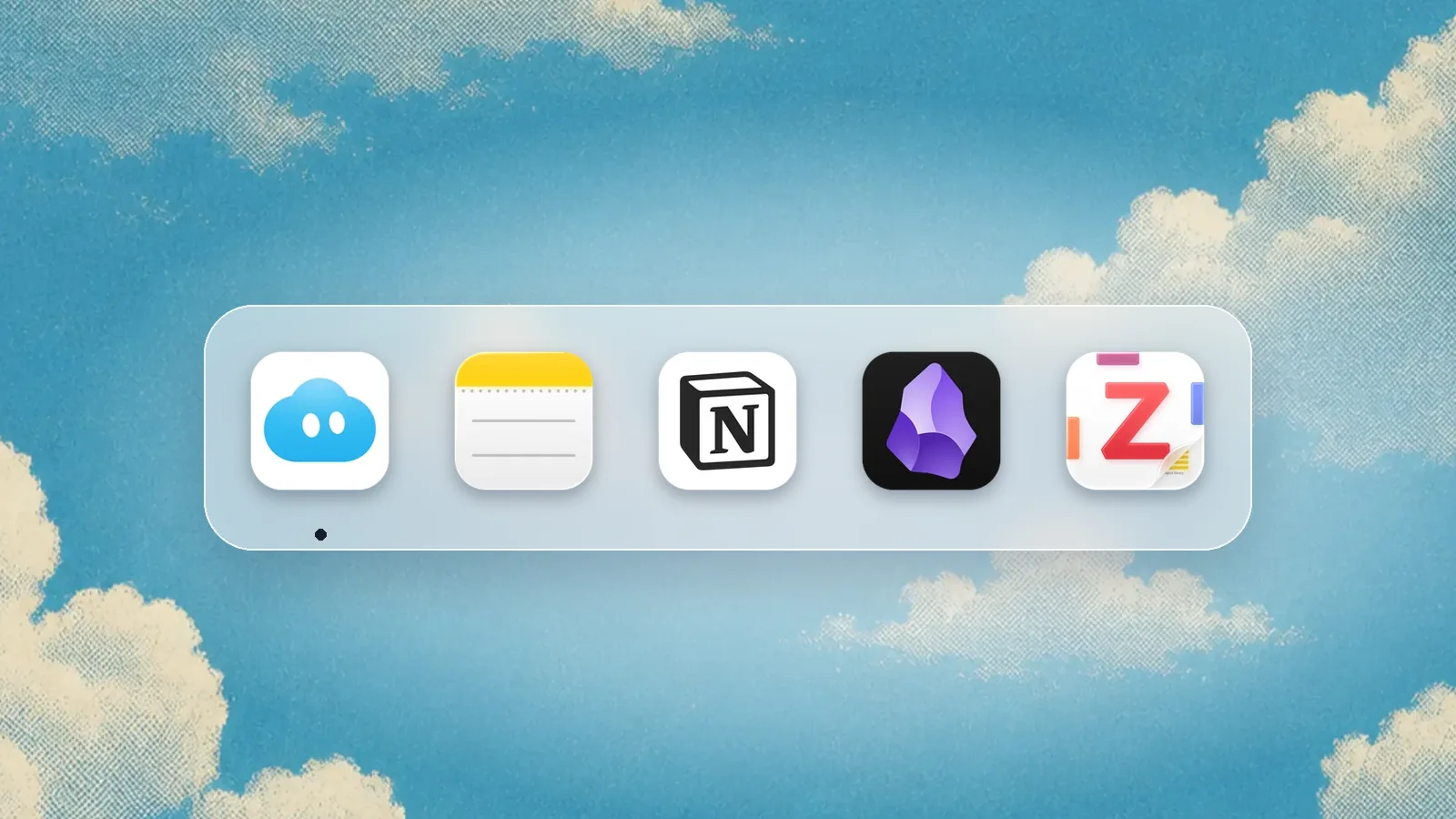
- Apple Notes: built into macOS and free. Apple's guide covers folders, tags, Smart Folders and managing PDFs and scanned documents, and you can drag pictures, PDFs and other files into a note. The simplest place to start.
- Obsidian: free without limits for personal use, with no sign-up. Notes are linked and stored as files on your Mac. Obsidian Sync is $4 a month billed annually, or $5 monthly, and students get 40% off Sync and Publish.
- Notion: a Free plan, and the Plus plan ($10 a member a month, billed yearly) is free for students and educators who sign up with a school email, limited to one member. A desktop app is available for macOS. Better for dashboards and trackers than for fast lecture notes.
What is the best flashcard app for a Mac?
Anki is the standard answer. The desktop app is free and Anki's site lists macOS 13 and later, on Apple Silicon and Intel. It schedules cards using spaced repetition, which means cards you know come back less often.
The cost shows up on the phone. AnkiMobile for iPhone and iPad is a paid app, listed at $24.99 on the App Store, and the listing does not include a Mac version, so use the free desktop app on your Mac. Anki takes some setup, which is the trade for being free and flexible. If you only want a quick deck before an exam, a simple card tool in your note app may be enough.
What is the best citation manager for students on a Mac?
Zotero describes itself as a free, easy-to-use tool to collect, organize, annotate, cite and share research, and it is open source. It runs on macOS, and the Zotero Connector for Safari is bundled with the app. Connectors for other browsers, such as Chrome and Edge, are browser extensions.
Storage matters only if you sync attached PDFs. Zotero gives 300 MB free, and paid plans are 2 GB at $20 a year, 6 GB at $60 and Unlimited at $120. Many students stay on the free tier and keep PDFs in a normal folder.
What should you use to plan assignments and deadlines?
Apple Calendar and Reminders are built in and enough for most terms. Add every deadline the day you get the syllabus, and set a reminder two days before each one.
If you want one list that works across your Mac and phone, Todoist has a free Beginner plan. Use it for assignments only. A task list of everything you might do is another way to avoid starting.
What does a simple study setup on a Mac look like?
A small stack, set up once, is easier to keep than a clever system.
Create a Study Block preset in Nudge with YouTube, Reddit, social feeds and games. Leave your notes, PDFs and learning platform off the list.
Open the free Pomodoro timer and pick a preset: Pomodoro 25/5 to start, Deep work 50/10 for longer reading.
Start the Nudge preset from the menu bar, then start the timer.
Take notes in one app. Add cards to Anki at the end of the session, while the material is fresh.
Use the breaks to step away from the screen. The blocked sites stay blocked until the Nudge session ends.
FAQ
What are the best study apps for a Mac?
A small set, one per job: Nudge to block distractions, the free Pomodoro timer to pace sessions, Apple Notes or Obsidian for notes, Anki for flashcards, Zotero for citations and Todoist or Apple Reminders for planning. Most have a free tier.
What is the best study app for MacBook focus?
Nudge blocks the apps and websites you choose during a study session on a Mac, and starts from the menu bar. It costs $9.99 once after a 7-day free trial. Notes, PDFs and research tools stay open.
Is Anki free on Mac?
Yes. The desktop version is free and runs on macOS 13 and later. AnkiMobile for iPhone and iPad is a paid app, listed at $24.99 on the App Store.
Is Notion free for students?
Notion's pricing page says the Plus plan, limited to one member, is free for students and educators who sign up with a school email address, and its education page limits this to colleges and universities. There is also a Free plan.
Is Obsidian free?
Obsidian is free for personal use with no sign-up. Sync costs $4 a month billed annually, and students get 40% off Sync and Publish.
How do I stop getting distracted while studying on my Mac?
Block the apps and websites that pull you away for the length of the session. Nudge does this from the menu bar. A timer such as the free Pomodoro timer helps you start and rest. Silencing notifications with Focus mode removes the other half.
Nudge for Mac
Turn the guide into a focus session
Pick the apps and websites that pull you away and start the session from the menu bar. They stay blocked until it ends. $9.99 once after 7 days free, no card to start.
Download for macOS